
• YourOwnStore
  • OnePanel
  • VirtualPOS
  • MultilingualStore

Your online store
grows here.

Set up your online store without a monthly fee and run orders from your own site, Trendyol and Hepsiburada from one panel. Payments never pass through us; they go straight to your account.

See the demo panelNo sign-up, no password. Look around a ready store's panel.

Selling on heysengo

Winners sell from their own store.
You're next.

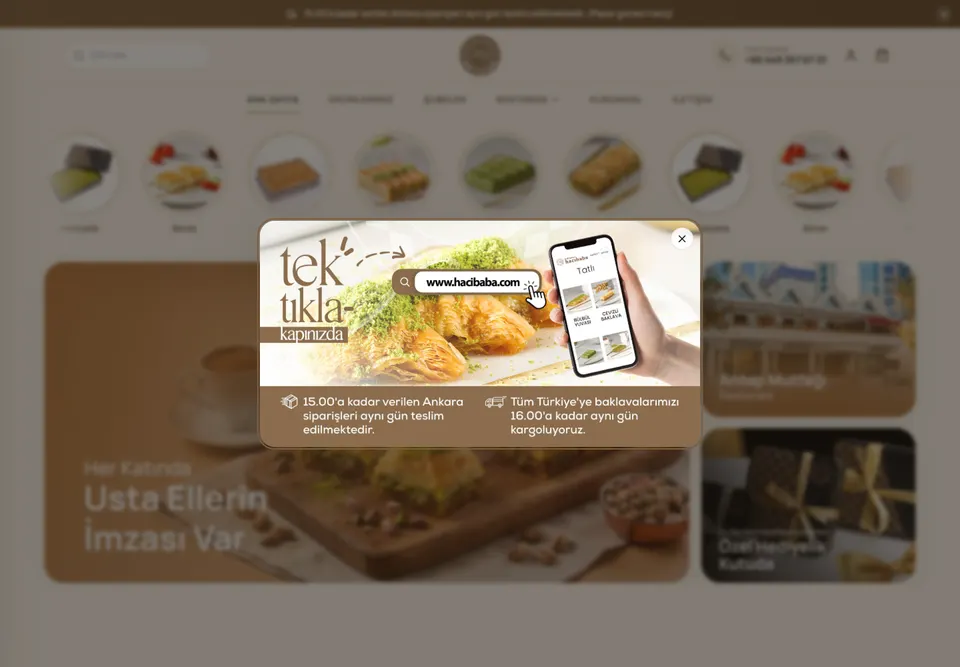
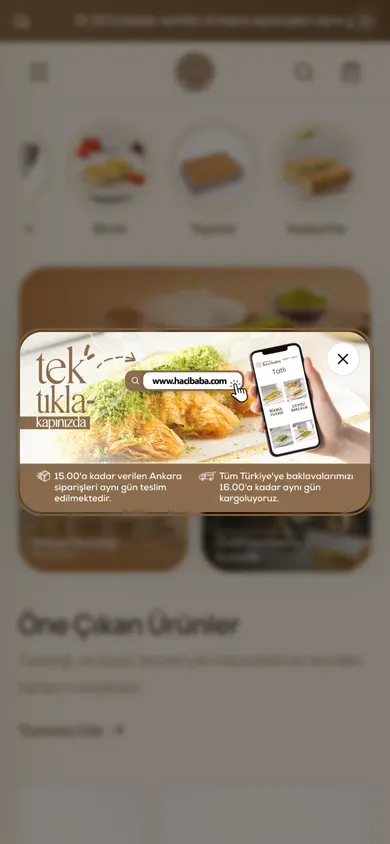
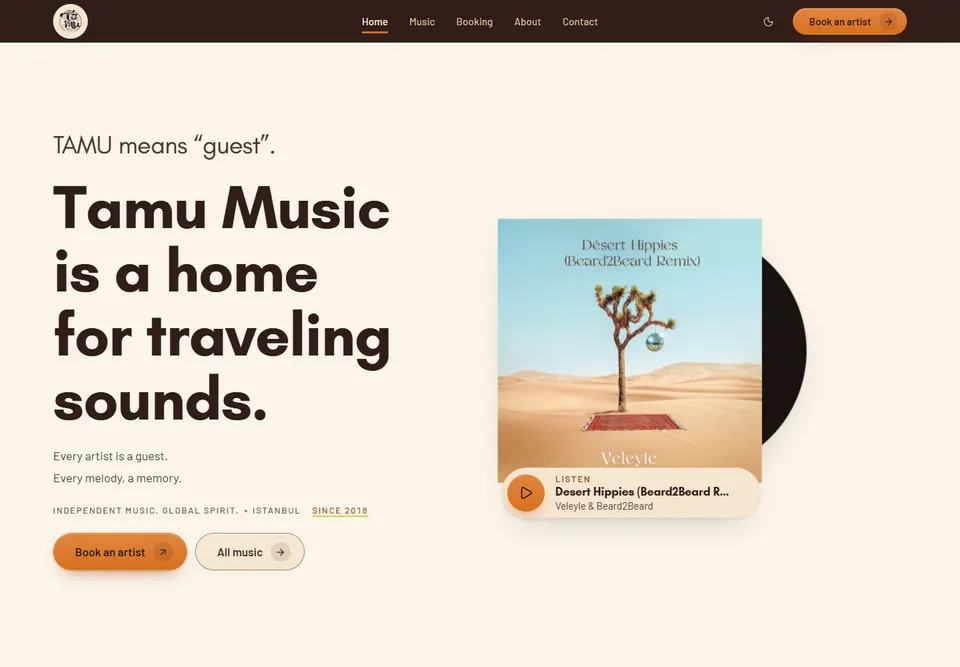
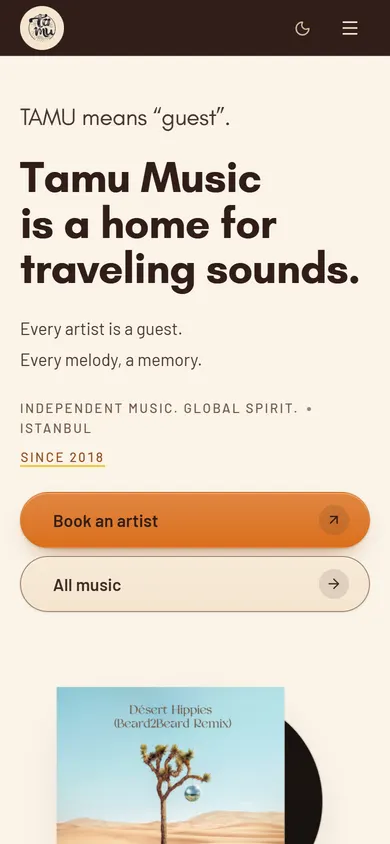
From a baklava maker to a record label, four businesses run their sales in their own store. Pick one to see its story.

  • MoreOrders
  • ROAS
  • MetaPixel
  • SEO

Our goal: more orders for your store,
a higher return on your ads.

Four tools in the panel help you get more orders and a higher return on ad spend (ROAS). You measure what works by the orders that come in.

  1. Meta Pixel + Conversions APIEvery purchase goes to Meta from both the browser and the server. You see which ad sells and move your budget to it.
  2. Cart remindersWhen a cart is left at checkout, a reminder email goes out automatically to customers who opted in.
  3. HeysiTurns a product photo into a product draft; writes titles, descriptions and SEO text and drafts campaigns. You approve.
  4. SEOYour product pages are published with structured data and added to your sitemap automatically. Heysi writes the SEO title and description.
Sound familiar?

Your sales, customers and recordsbelong in your own store.

Three familiar scenes, each with what changes in your own store.

  1. If you sell on Instagram

    Today

    One morning your account won't open. Your orders, customers and messages were all inside that account.

    In your own store

    Your orders and customer list live in your own panel. Even if the account closes, the records stay with you.

  2. If you sell on marketplaces

    Today

    Reconciling your sales with what actually reaches your account takes a whole evening.

    In your own store

    For sales in your own store, collected and pending payments sit on one line in the panel. No more evenings of reconciling.

  3. If you run ads

    Today

    At month end you see your ad spend, but you can't tell how many orders came from those ads.

    In your own store

    The Meta pixel and server events report every purchase to Meta. You see which ad sold in your ads manager.

  4. One fix for all three: a store that's yours.

One panel, every channel

Sell more on every channelfrom one panel.

Orders from your own site, Trendyol and Hepsiburada, WhatsApp and Instagram in one panel. Track orders, stock and payments on one screen; print shipping labels from the panel.

Wherever the order comes from
  • Your own site
  • WhatsApp
  • Instagram · Facebook
  • TikTok
Your situation

How do you sell?Here's the answer for you.

Instagram boutique, marketplace seller, maker or shop: pick where you sell. See what's ready today and what isn't yet.

The problem

I sell on Trendyol and Hepsiburada. I'm tired of logging into each marketplace panel and syncing stock by hand.

Your marketplace orders and your own store in one panel.

Connect your Trendyol and Hepsiburada stores to the panel; orders land in one list and stock is managed in one place. Your own store opens next to them: a second channel that keeps the customer and the record with you.

Your solution, ready in the panel today

  • Marketplace orders sit in the same list as your store's orders; stock comes off one list.
  • Heysi writes product titles and descriptions, explains failed listings and resends products to the marketplace; you approve.
  • Marketplace connections come with paid plans: 1 channel on Basic, unlimited on Growth and above.
  • No commission on sales in your own store on Basic, Growth and Prestige; your customer list stays with you.
  • Meta Pixel and the Conversions API tie each sale to its ad; you measure your return on ad spend (ROAS) by orders.

Not ready yet

  • Products with options go to Amazon only as colour and size, in clothing and shoe product types for now; PttAVM accepts at most two options per product.

Your storefront, in your customer's language.

Pick your country at setup and your storefront opens in that market's language. In Arabic it reads right to left.

  • TrendyolIntegration
  • HepsiburadaIntegration
  • MarketplaceIntegration
  • Heysi

Grow your Trendyol and Hepsiburada sales with Heysi, run it all from heysengo.

No more logging into each marketplace panel. Connect your store once; orders sit in one list and stock in one place. Leave product copy and failed listings to Heysi.

  1. Connect

    Connect your marketplace store to heysengo with the API details from your seller panel.

  2. Send your products

    Match your category to the marketplace's category and send your product. Size and colour options are matched to Trendyol's and Hepsiburada's lists; the panel tells you which value doesn't fit. Can't find the category? Heysi suggests candidates.

  3. Run it from one panel

    Marketplace orders land in the same list as your store's orders; the stock and price you change in the panel go to your connected listings.

Heysi shortens marketplace work

  • Writes product titles and descriptions; your marketplace listing carries this text. Rewrites the titles of many products in one go.
  • Explains failed listings: what the marketplace said and what you need to do.
  • Resends a product to the marketplace and carries its current stock and price to all its listings. Nothing runs until you approve.
  • Ask “why isn't Trendyol working?” and it reads the state of your connection and listings.

Marketplace connections come with paid plans: 1 channel on Basic, unlimited on Growth and above.

See all integrations
  • VirtualPOS
  • ShippingIntegration
  • eInvoice
  • MetaConversionsAPI

70+ integrations: marketplaces, payments and shipping in one panel.

Payments, shipping, invoicing, tracking and alerts: today 74 connections plug into your store. The Integrations page says what each one does.

  • 70+tools connect to your store today
  • 10categories, from payments to analytics
  • API + MCP
Don't see your tool?Tell us which tool you want to connect.Contact us

Set up your online store in seven steps.

Claim your store address, pick a theme and add your first product. Then connect your payment account and enter your shipping fee and legal details. Your store won't open for sales until these are done; until then, visitors see a “coming soon” page.

  1. Type your store's name; the heysengo.com/yourstore address becomes yours along with your account.

    Have ready: Your store name

Start free, drop the commission as you grow

Starter has no monthly fee; you pay a 5% commission only when you make a sale. From Basic up, there is no commission and the fee is fixed.

Billing period

Which plan fits you?

Answer three questions and we'll show you the plan that fits.

How many products will you sell?
Where will you sell?
How much do you expect to sell a month?
  • Starter

    Trying it out, first products

    ₺0

    No monthly fee

    + 5%per sale

    • 100 products
    • Card and cash on delivery
    • Your own domain
    • 100 Heysi credits at opening
    • With the heysengo badge
    Open for free
  • Basic

    Selling now, commission-free

    50% off with code KASIM

    ₺495/moList price ₺990

    First 3 months, then ₺990

    0%no sales commission

    • Everything in Starter
    • 500 products, 2 seats
    • 1 marketplace channel
    • 1,000 Heysi credits a month
    • Coupons, reviews, SEO tools; no badge
    Open my store
  • Recommended

    Growth

    Regular orders, selling on marketplaces too

    50% off with code KASIM

    ₺1,245/moList price ₺2,490

    First 3 months, then ₺2,490

    0%no sales commission

    • Everything in Basic
    • Unlimited products and marketplace channels
    • Team of 5, 2 languages
    • 5,000 Heysi credits a month
    • Marketing screens and audiences
    Open my store
  • Prestige

    Several languages, your own systems connected

    50% off with code KASIM

    ₺2,495/moList price ₺4,990

    First 3 months, then ₺4,990

    0%no sales commission

    • Everything in Growth
    • API and MCP access
    • Team of 15, storefront in 3 languages
    • 15,000 Heysi credits a month
    • 25 business email mailboxes
    Open my store

The payment provider's transaction fee is separate and paid directly to the provider.

Pricing details

Common questions.

Can't find your answer? Message us on WhatsApp. A real person will reply.

Ask on WhatsApp
Does heysengo take a commission on my sales?

5% on the Starter plan. Basic, Growth and Prestige have no commission. Your payment provider charges its own transaction fee separately.

What do I pay on Starter?

No monthly fee and no time limit. You pay a 5% commission only when you make a sale. You can list up to 100 products in your store.

Where do payments go?

Straight to your own payment account. You take card payments through your own virtual POS; heysengo never stands between you and your money. Your payment provider charges its own transaction fee.

Which payment methods are ready?

Card payments and cash on delivery. Installments appear at checkout when your payment provider offers them. See which provider offers what on the Integrations page.

I don't have a virtual POS. How do I take card payments in my store?

An iyzico or PayTR account is enough; you don't need a separate virtual POS from a bank. Enter your account keys on the Integrations screen of your panel and card payment opens on your storefront, with the money going straight to your account. You can also turn on cash on delivery.

How do I ship orders?

Connect your shipping account in your panel and print the label from inside the order. Once the tracking number is added, your customer gets it by email in your store's language.

Can I use my own domain?

Yes. Point your domain to your store and the SSL certificate is set up automatically. Until then, your store opens at heysengo.com/yourstore.

Which languages can my store use?

Turkish, English or Arabic; in Arabic, the storefront reads right to left. The panel language is set per person: one teammate can work in Turkish, another in English.

What do automations cover?

Low-stock alerts, abandoned-cart reminders, shipping tracking emails and order notifications are ready. You can connect an event to an SMS, WhatsApp message, email or webhook.

Can I move from Shopier to heysengo?

Yes. Our team moves your Shopier products for free. From then on you take payments in your own store with iyzico, PayTR or cash on delivery; your orders and customer list stay in your panel.

What happens to my products and old URLs if I switch from another platform?

You import your products in one go with a CSV file in Shopify's format; Turkish column names are recognised too. In the SEO section of your panel you point old page URLs to the new pages with permanent redirects, and you see the addresses visitors couldn't find. CSV import and redirects are included in Basic, Growth and Prestige. If you prefer, our team moves your products for free from Trendyol, Hepsiburada, n11, Instagram or another platform. There is no product limit and it is not a time-limited offer. It is a one-time move, not a stock and order sync with the marketplace.

Can I leave my store setup to the heysengo team?

Yes. Once your store is open, send a request for a move, product upload or turnkey setup from the Services page in your panel. Moving and uploading your products is free; for a turnkey setup our team reviews the request and sends you the price as a quote.

Open my storeWhatsApp